Medical capture · Canvas · Content

See, share and manage clinical teaching from one canvas.

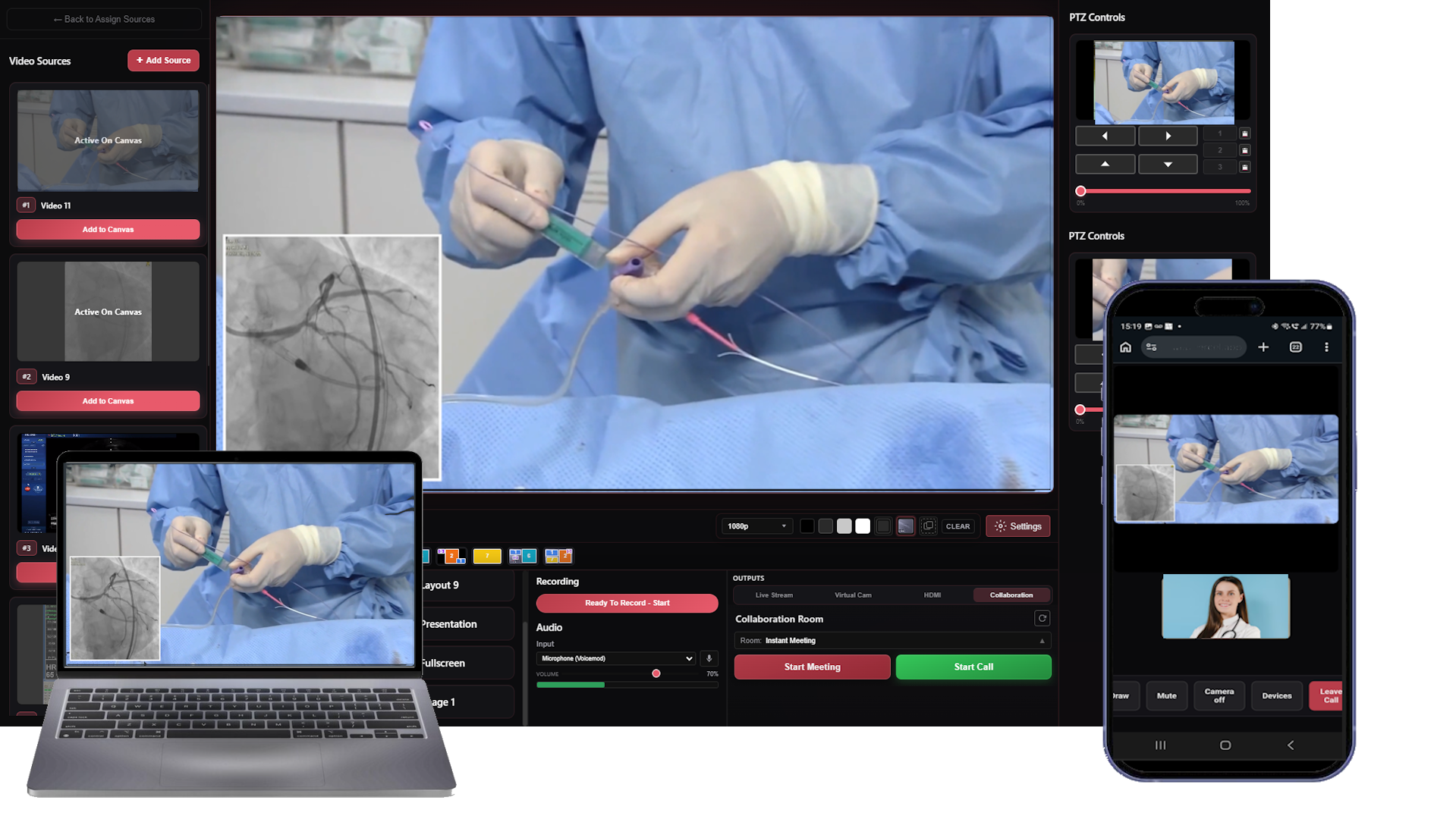
MediUp is a secure environment for source recording, streaming, collaboration and content management. Native on Windows and Linux, with browser access on Android and iPhone.

Windows Linux Android browser iPhone browser
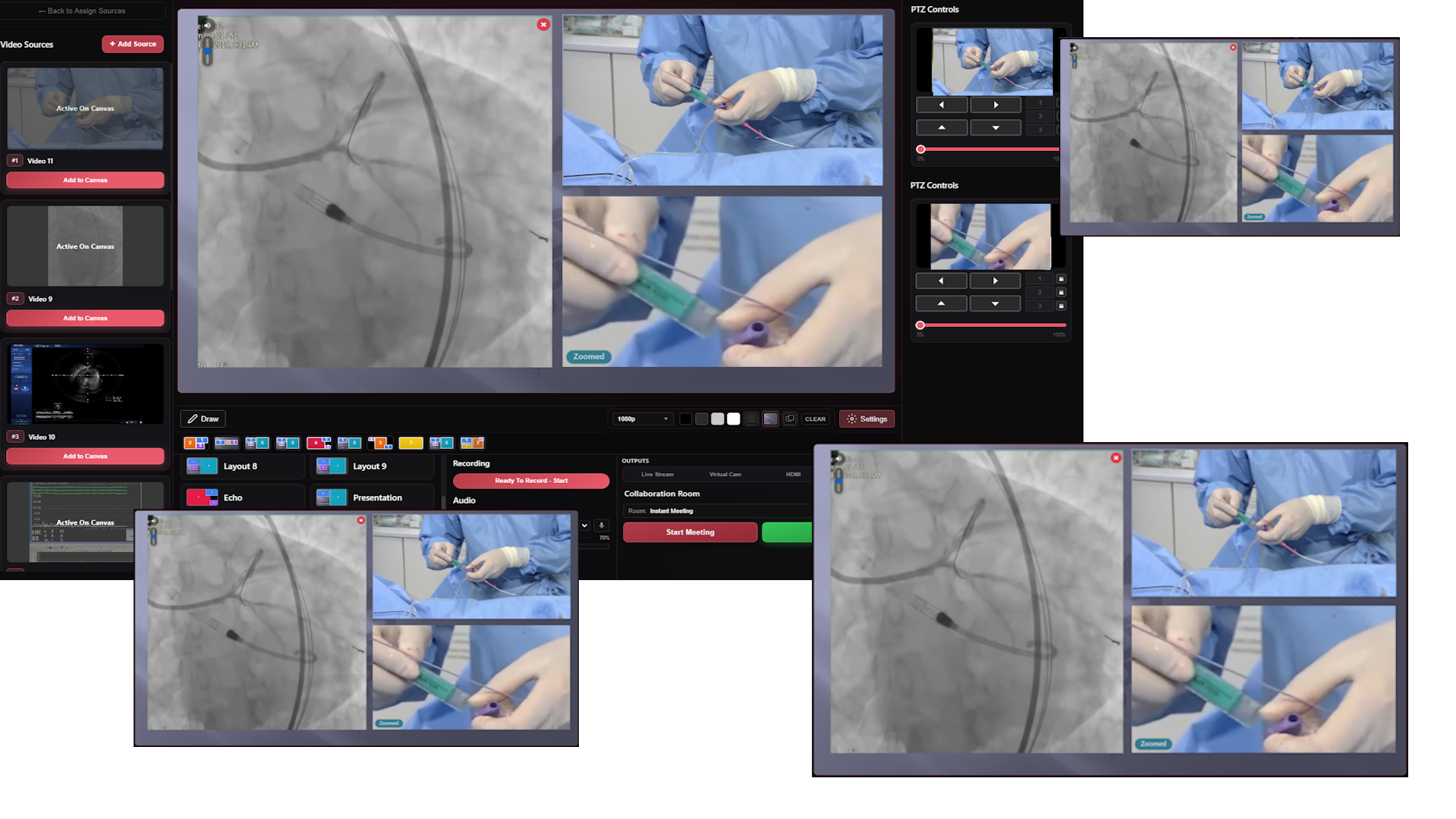
MediUp canvas with live sources on laptop and phone, with recording, streaming and call controls

The environment

One secure system from live sources to published teaching.

Record, stream, collaborate and manage content without leaving the MediUp environment.

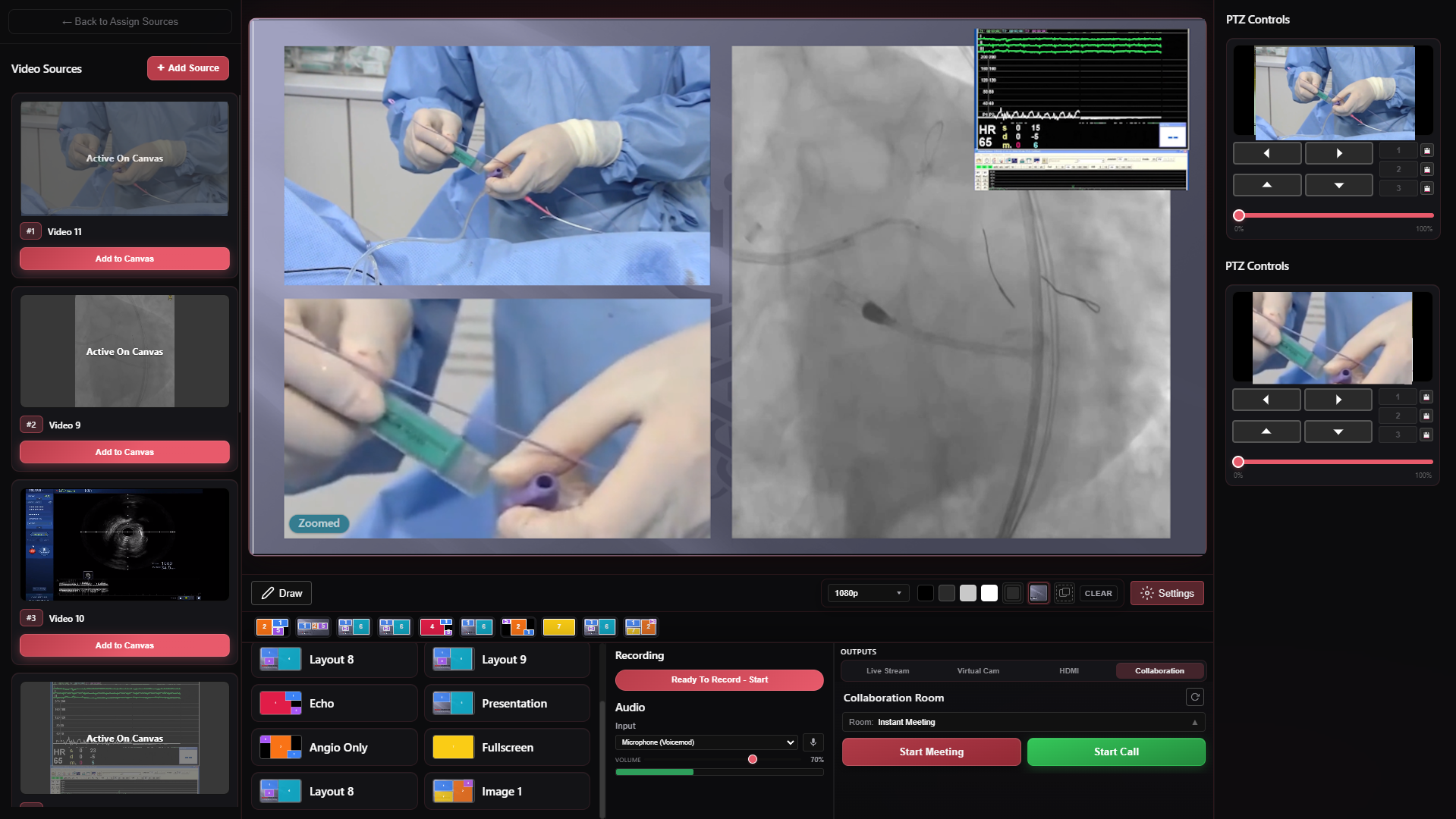
MediUp workspace composing procedure video, angiogram and vital signs on one canvas

Platforms

Medical-secure capture, streaming and management

A protected environment for source recording, live streaming, collaboration and content control. Work natively on Microsoft Windows and Linux, or join from an internet browser on Android and iPhone.
Clinical settings

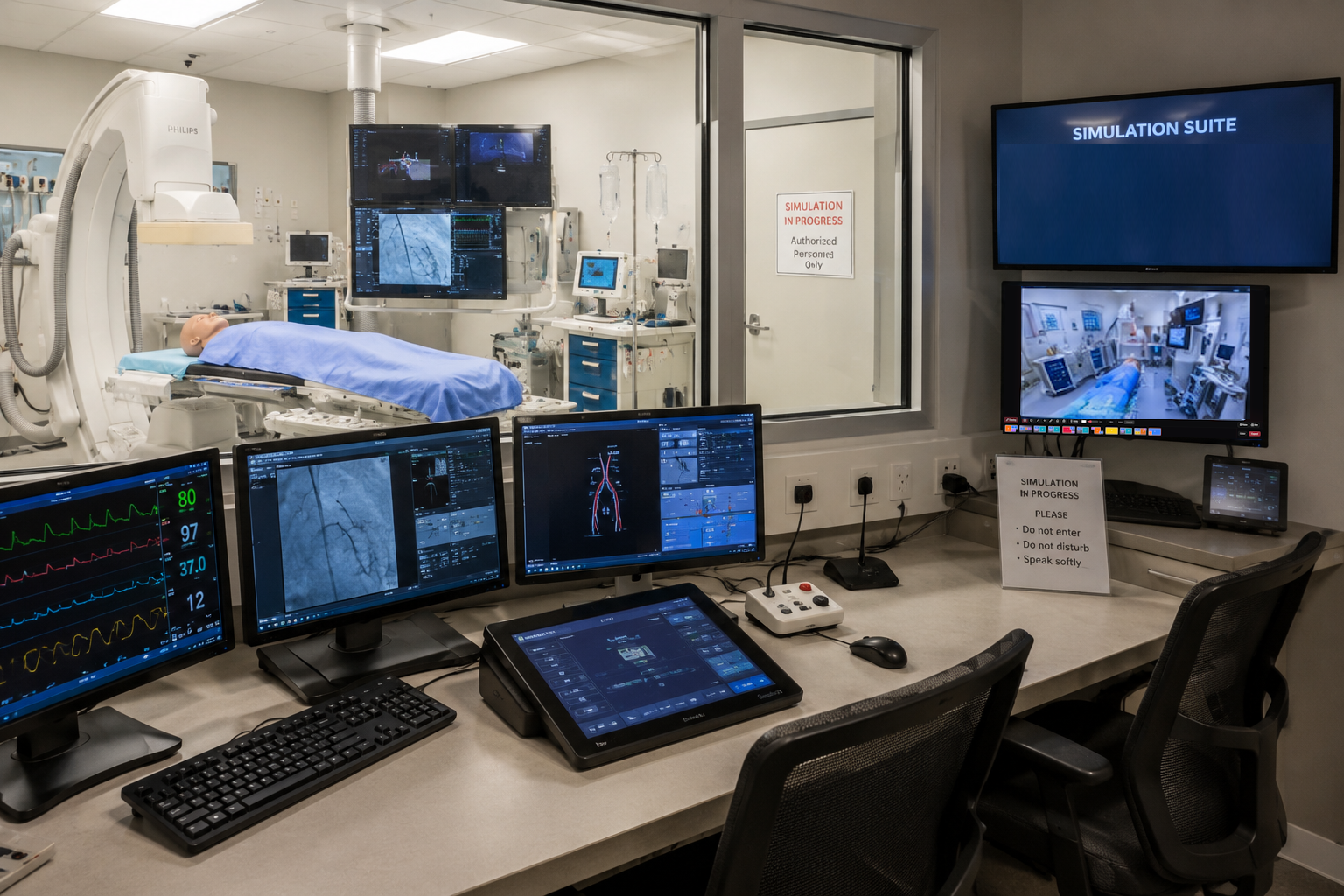
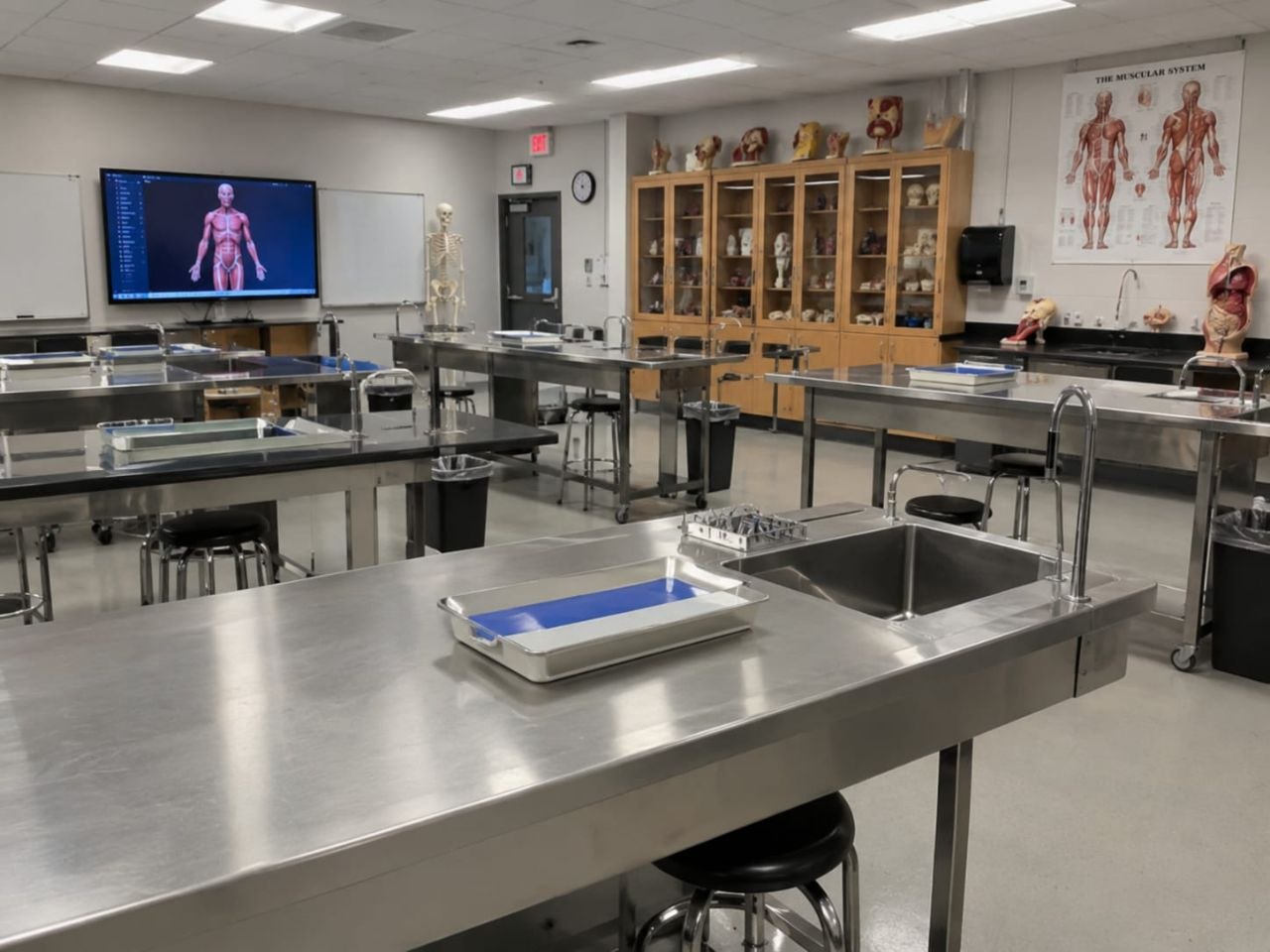
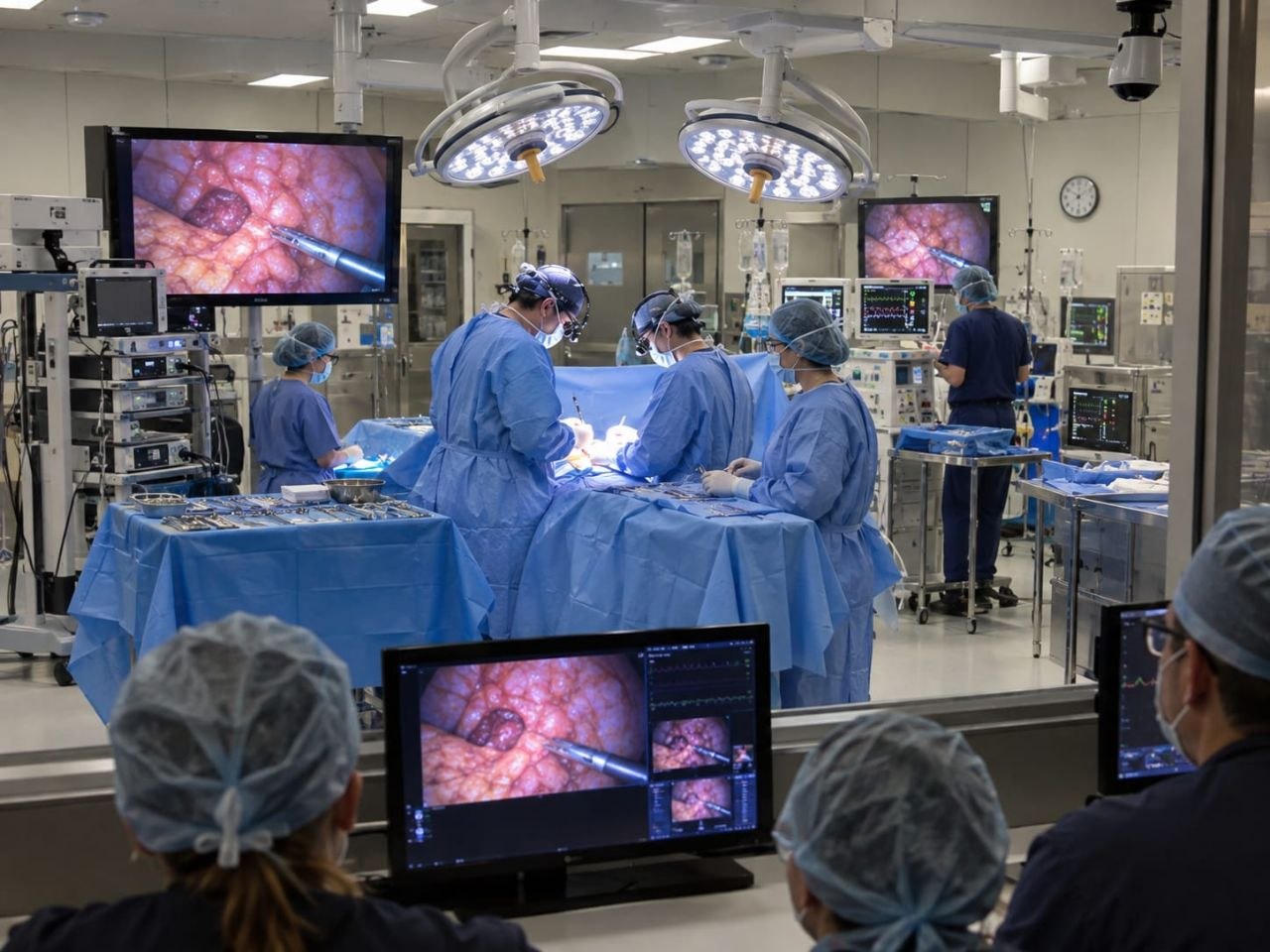
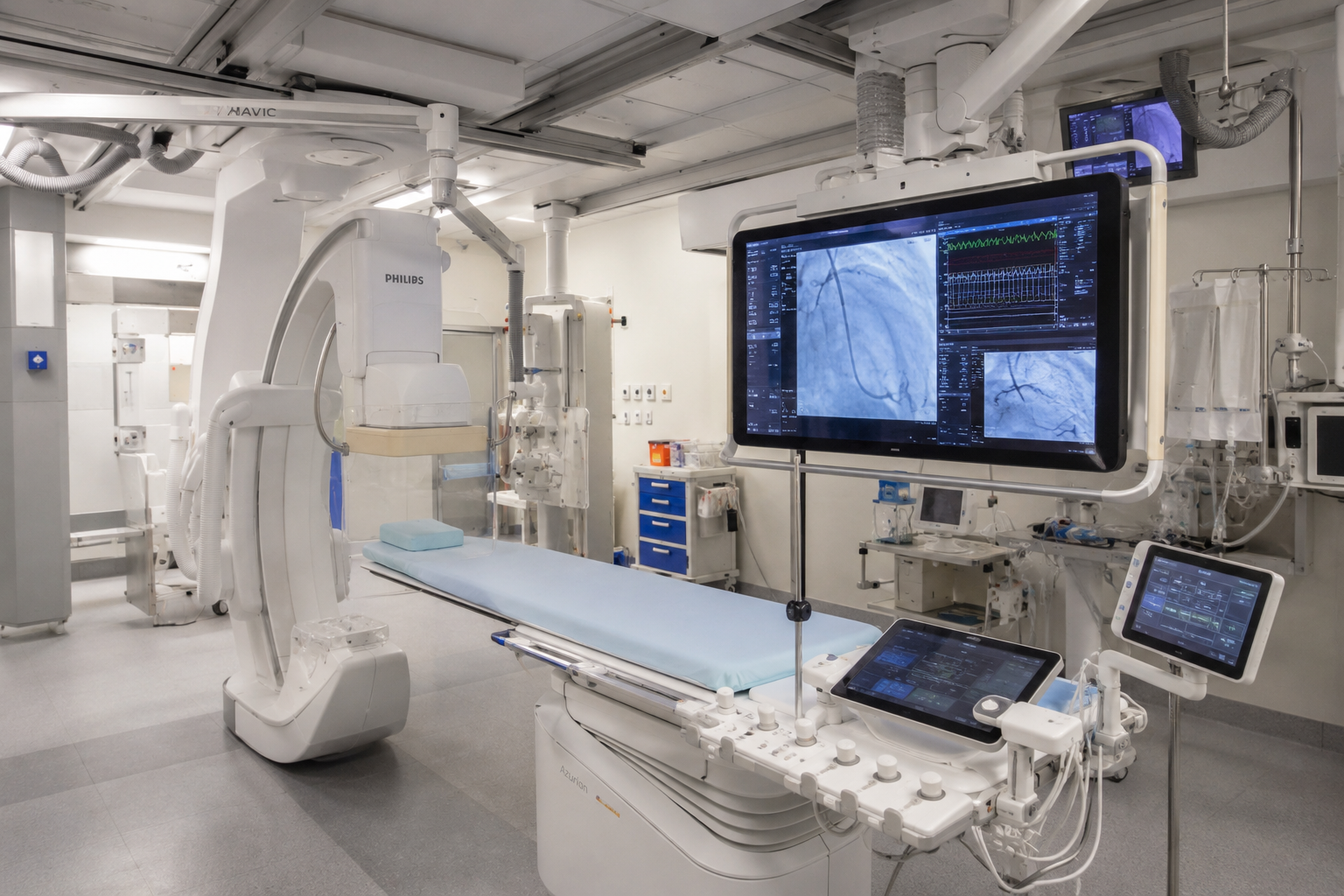
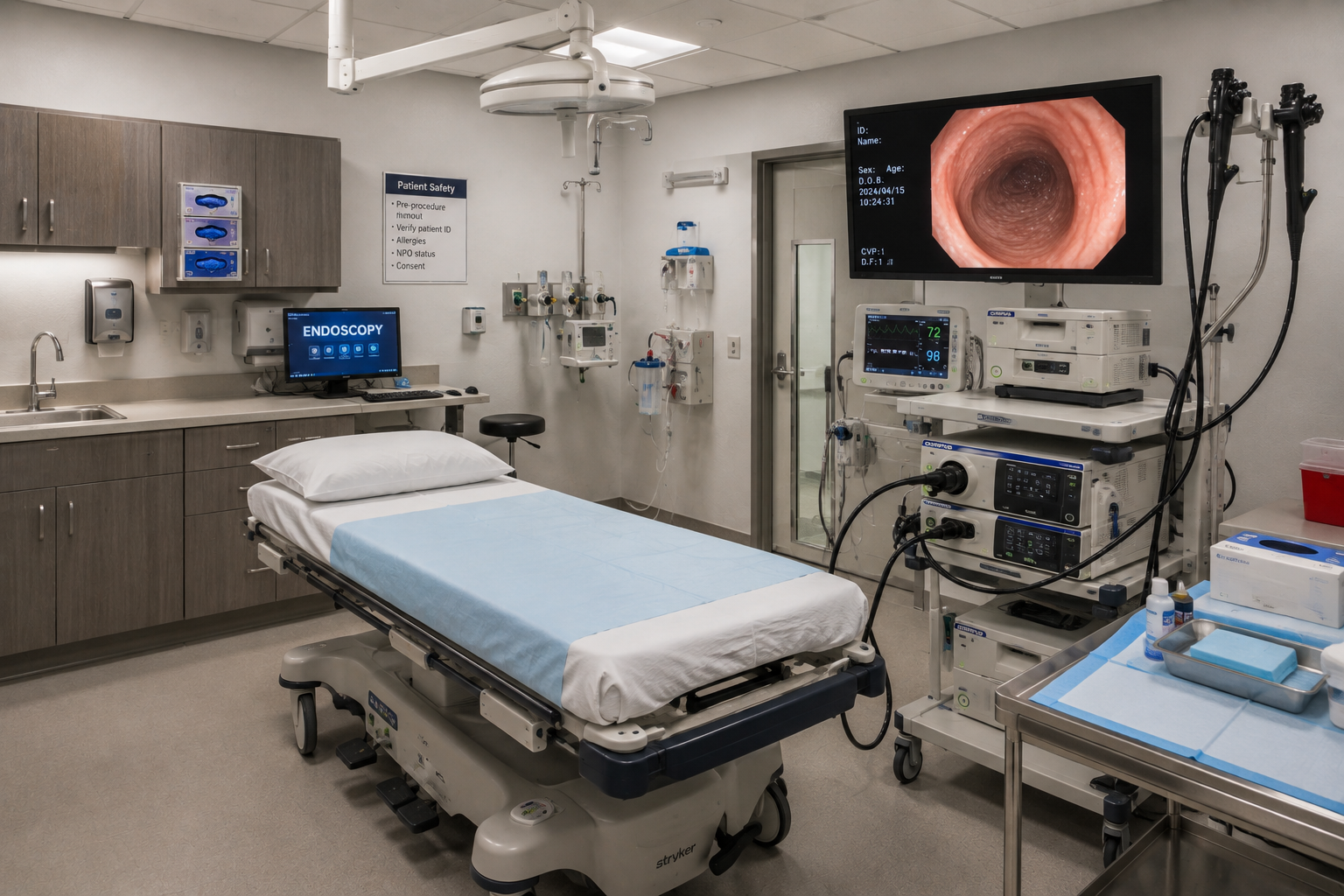
Built for the rooms where teaching happens.

Multiple modes

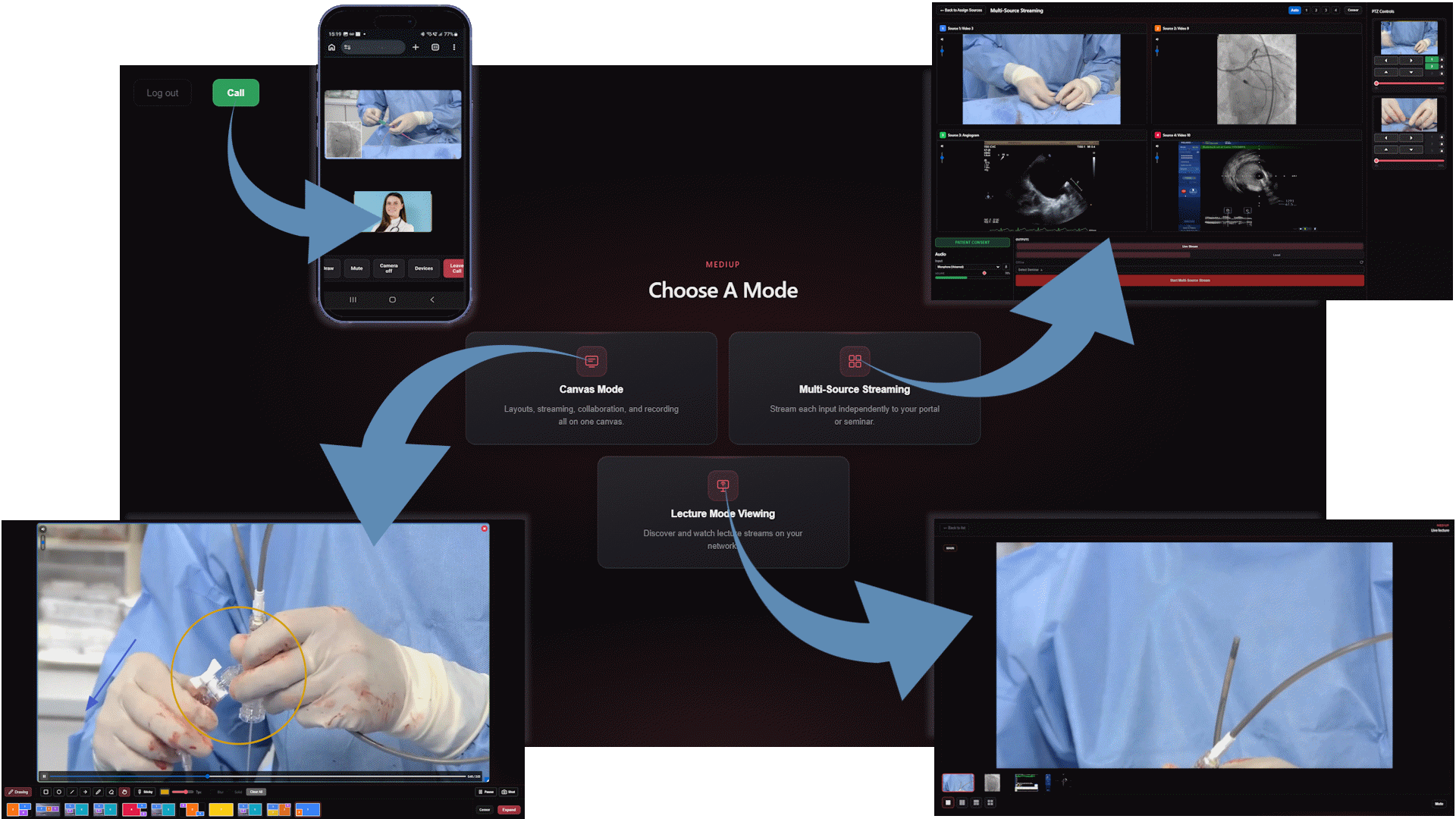
Choose how the session is delivered.

Canvas for live composition, multi-source for remote layout control, or lecture viewing for campus and remote halls.

MediUp mode picker with Canvas Mode, Multi-Source Streaming and Lecture Mode Viewing
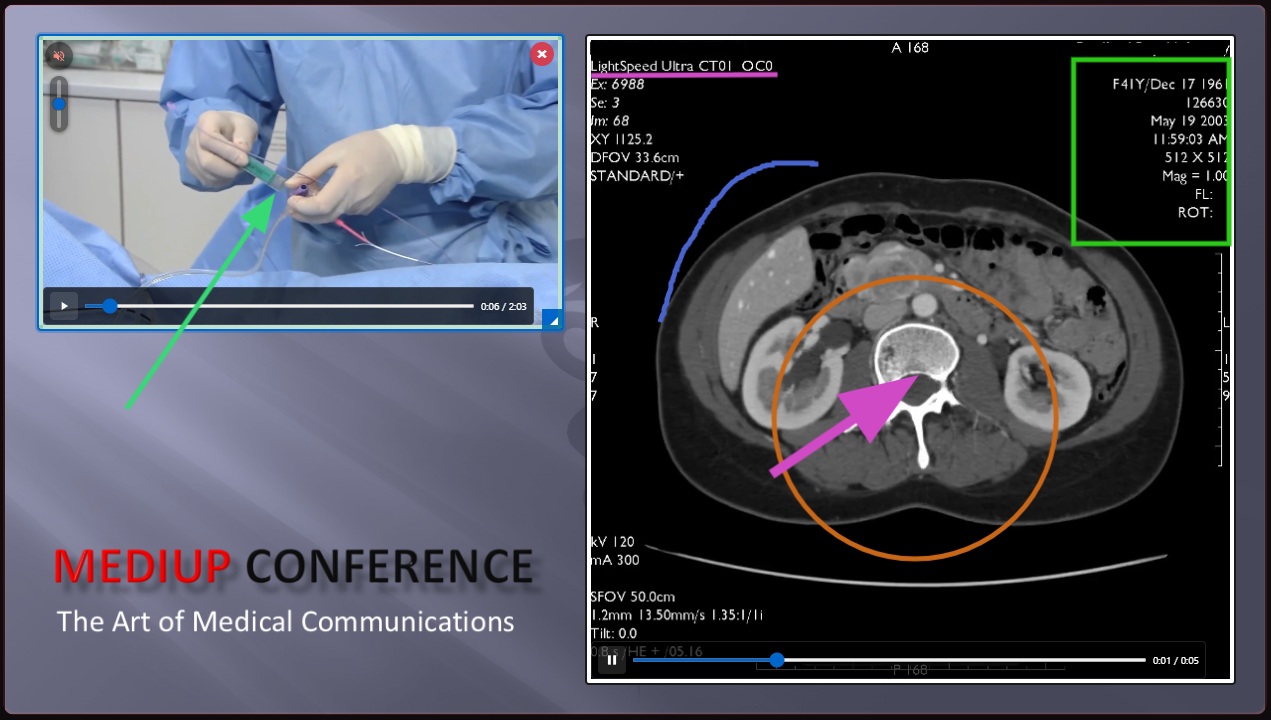
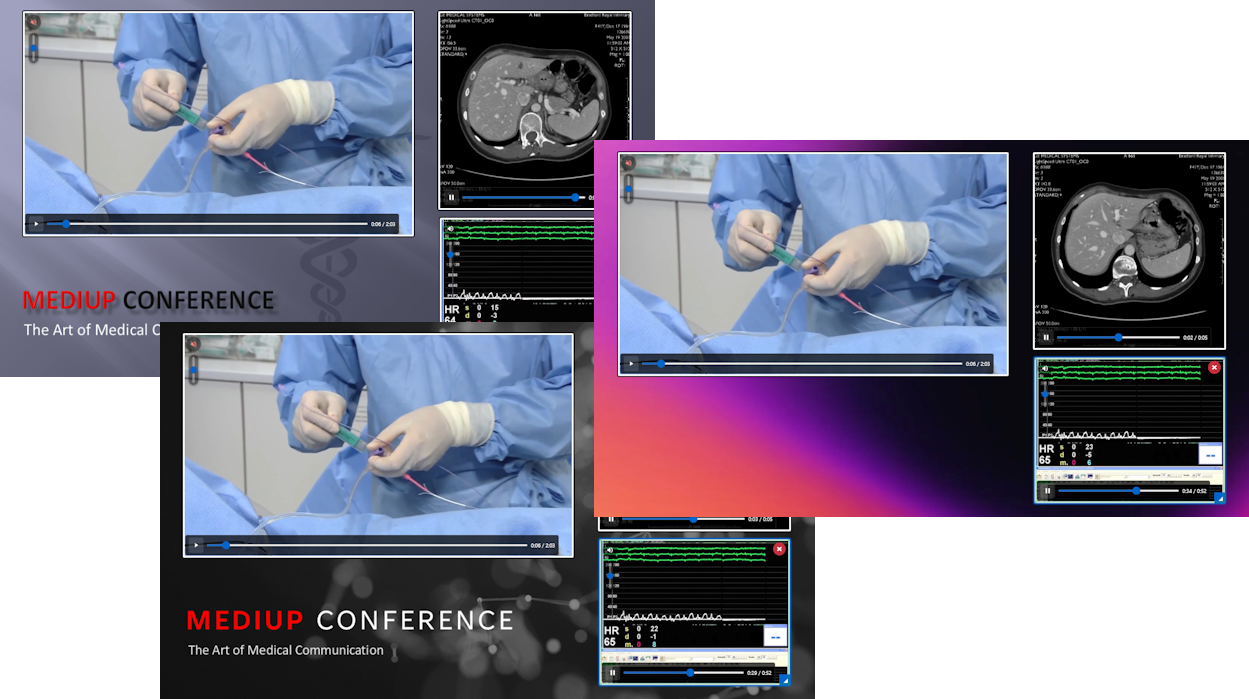
Canvas mode composing live procedure video and a diagnostic scan on one teaching canvas

Canvas Mode

Streaming and communication from a composed canvas. The host lays out sources, then shares that view with remote participants.

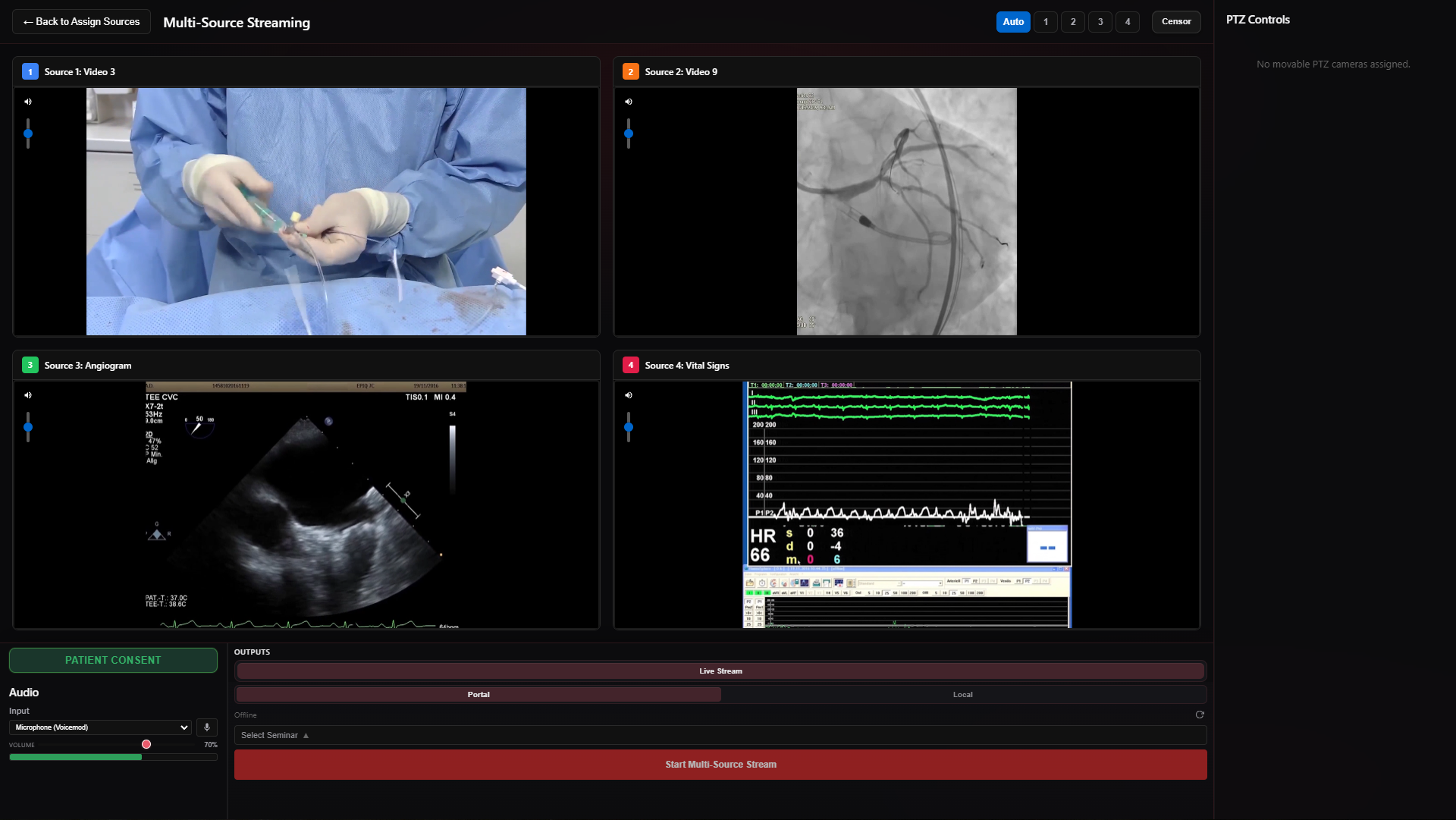
Multiple live sources on one view so remote participants can manage layout

Multi-source streaming

Stream multiple sources so remote participants can manage layout and view, rather than watching a single fixed composition.

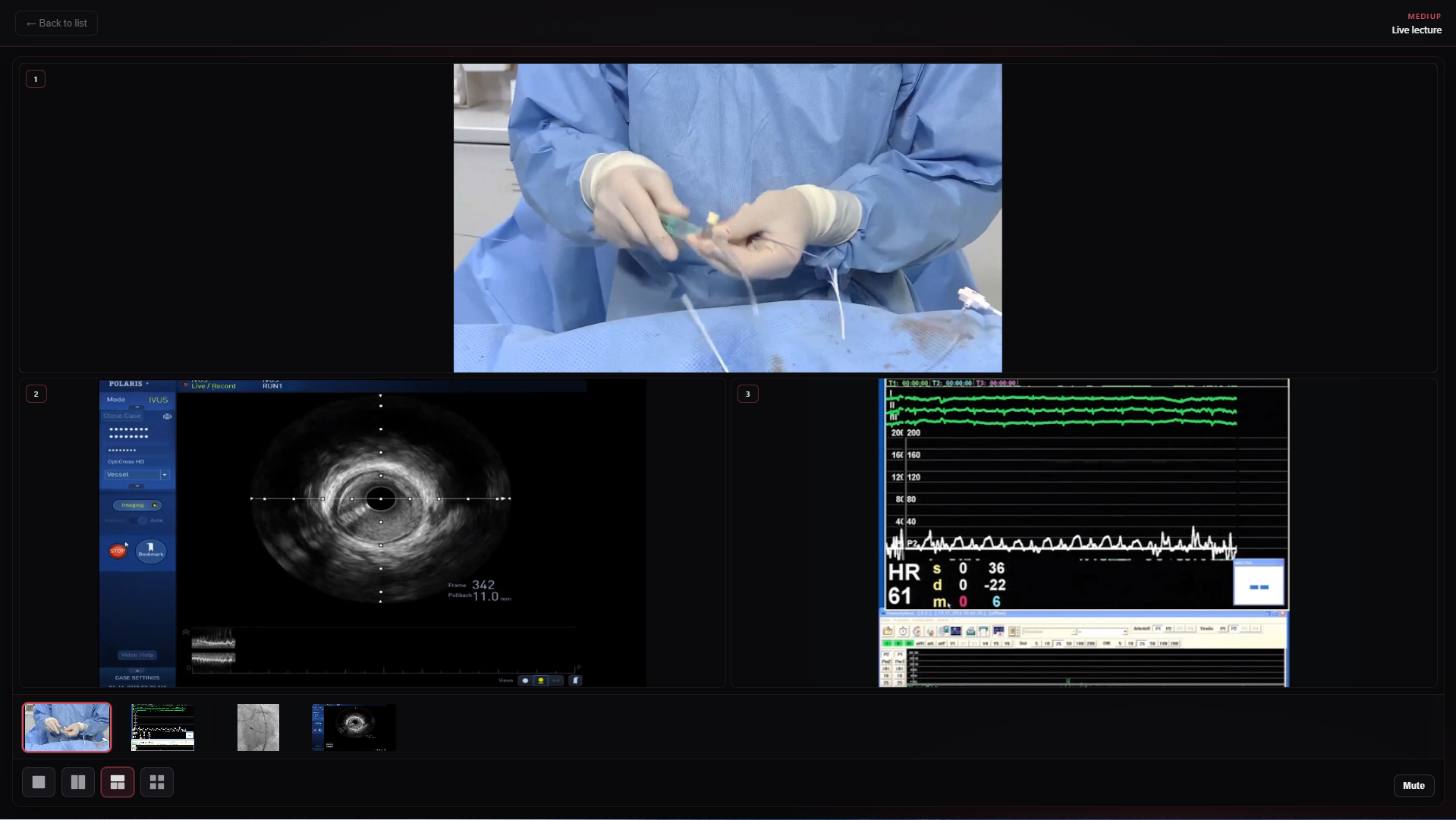
Lecture Mode viewing of MediUp Conference with live procedure and diagnostic scan

Lecture Mode viewing

View local campus content with manipulation, or run full MediUp functions in a remote lecture hall or classroom using the streamed source feeds.

The canvas

The heart of the system

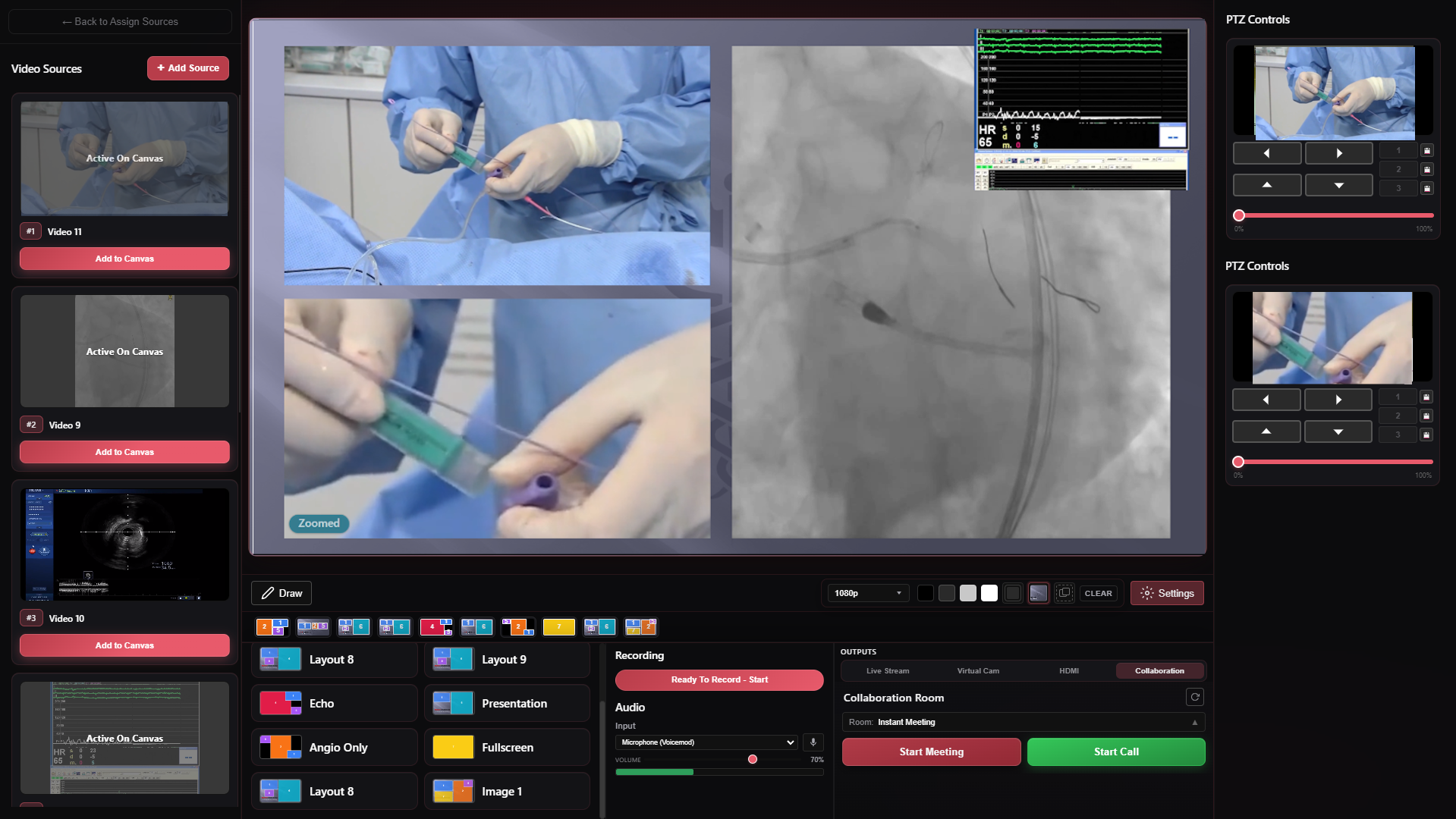
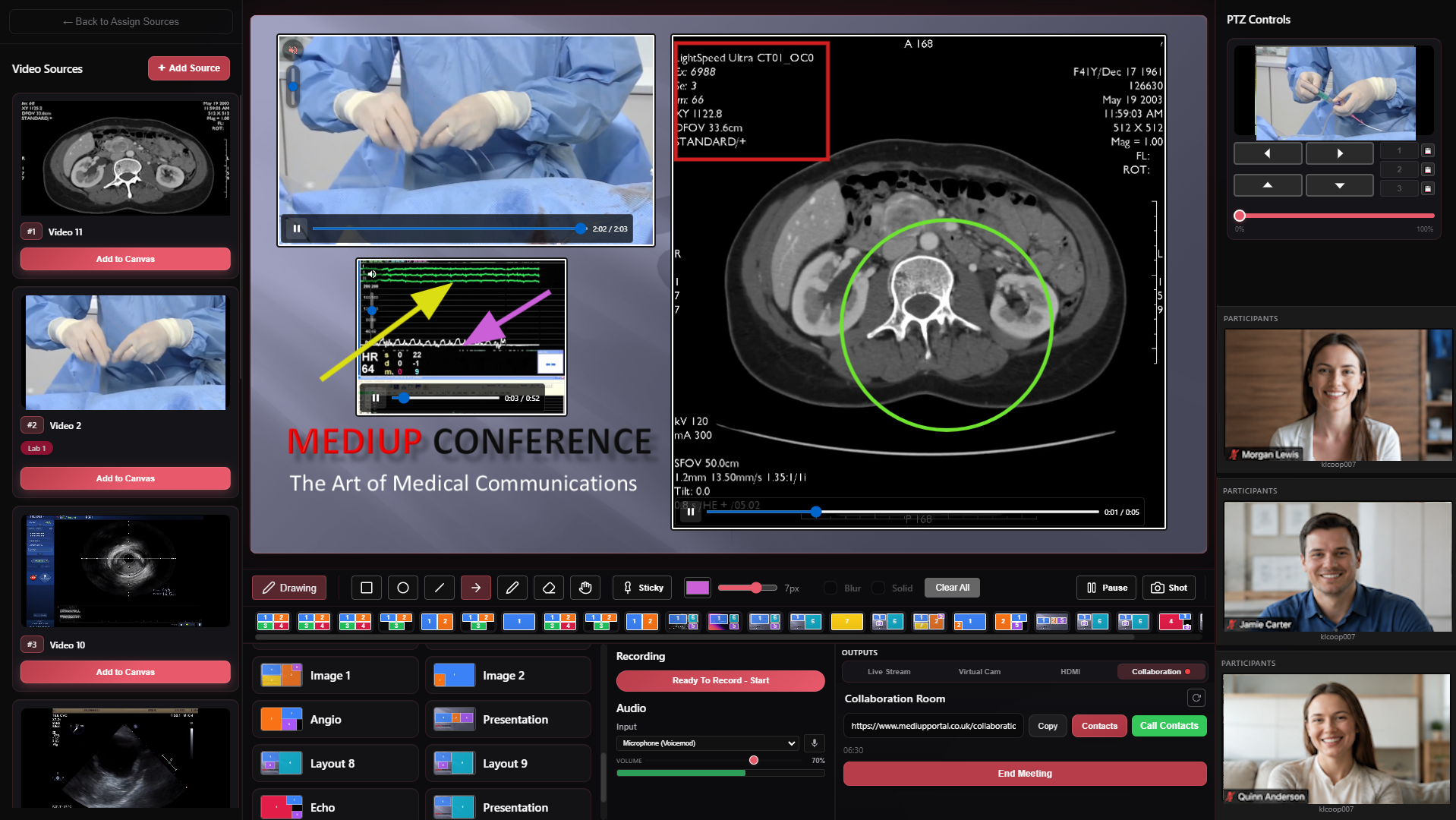
Select available sources and compose them on a 1080p or 4K canvas. Position, size, name and border each source. Save and recall bespoke layouts. Pause the canvas or take a screenshot at any moment.

MediUp canvas with sources positioned, named and composed during a live session

Capture and control

Bring every source onto the canvas, then drive the room.

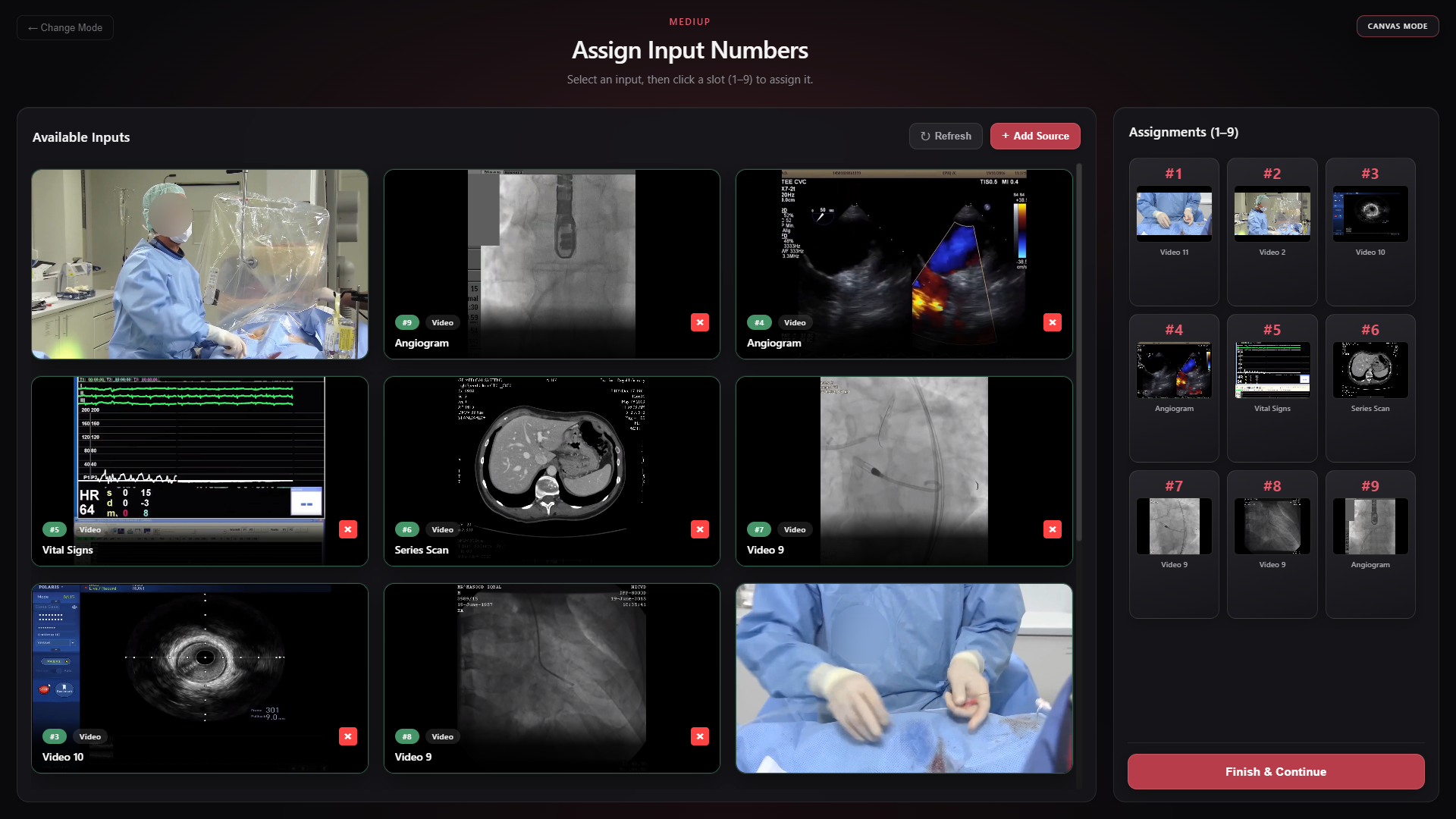
Video sources list in MediUp with angiogram, vital signs and series scan ready to add to canvas

Sources

HDMI, SDI, USB and RTSP capture devices. Any capture source detected by Windows or Linux can be brought into the session.

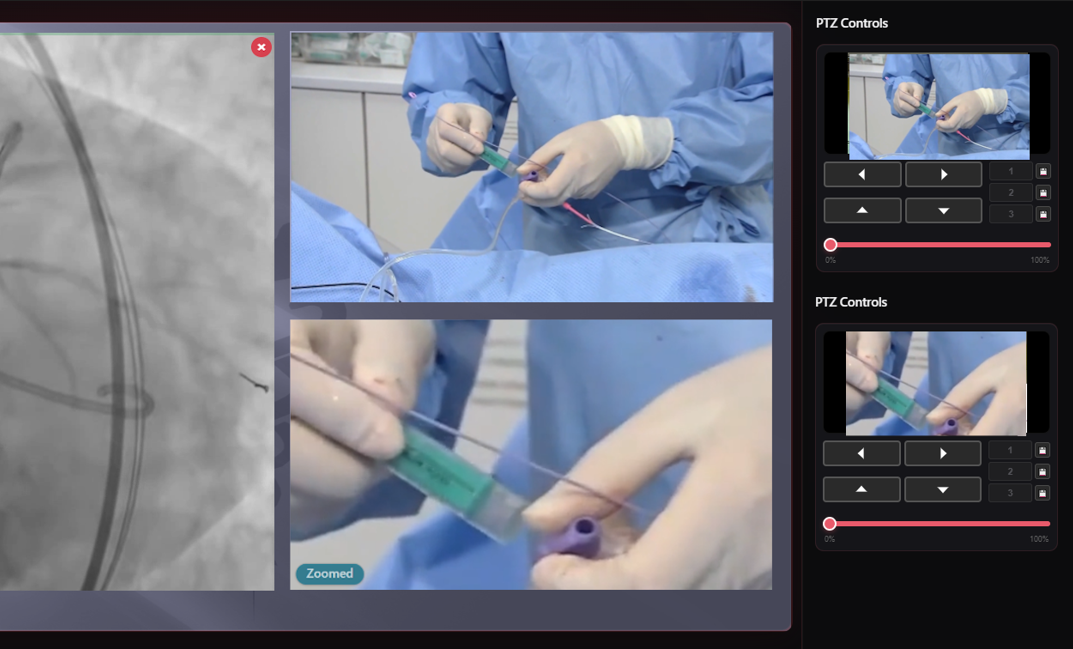
Pan tilt zoom camera control beside a zoomed live canvas

Full PTZ camera control

Pan, tilt and zoom cameras from the same workspace so the teaching view stays on the anatomy that matters.

MediUp outputs sending the canvas to multiple monitors and display devices

Multiple display outputs

Send the session to multiple monitors and display outputs, including audio, for theatres, classrooms and control rooms.

Teach on the canvas

Mark up live video and build the presentation around it.

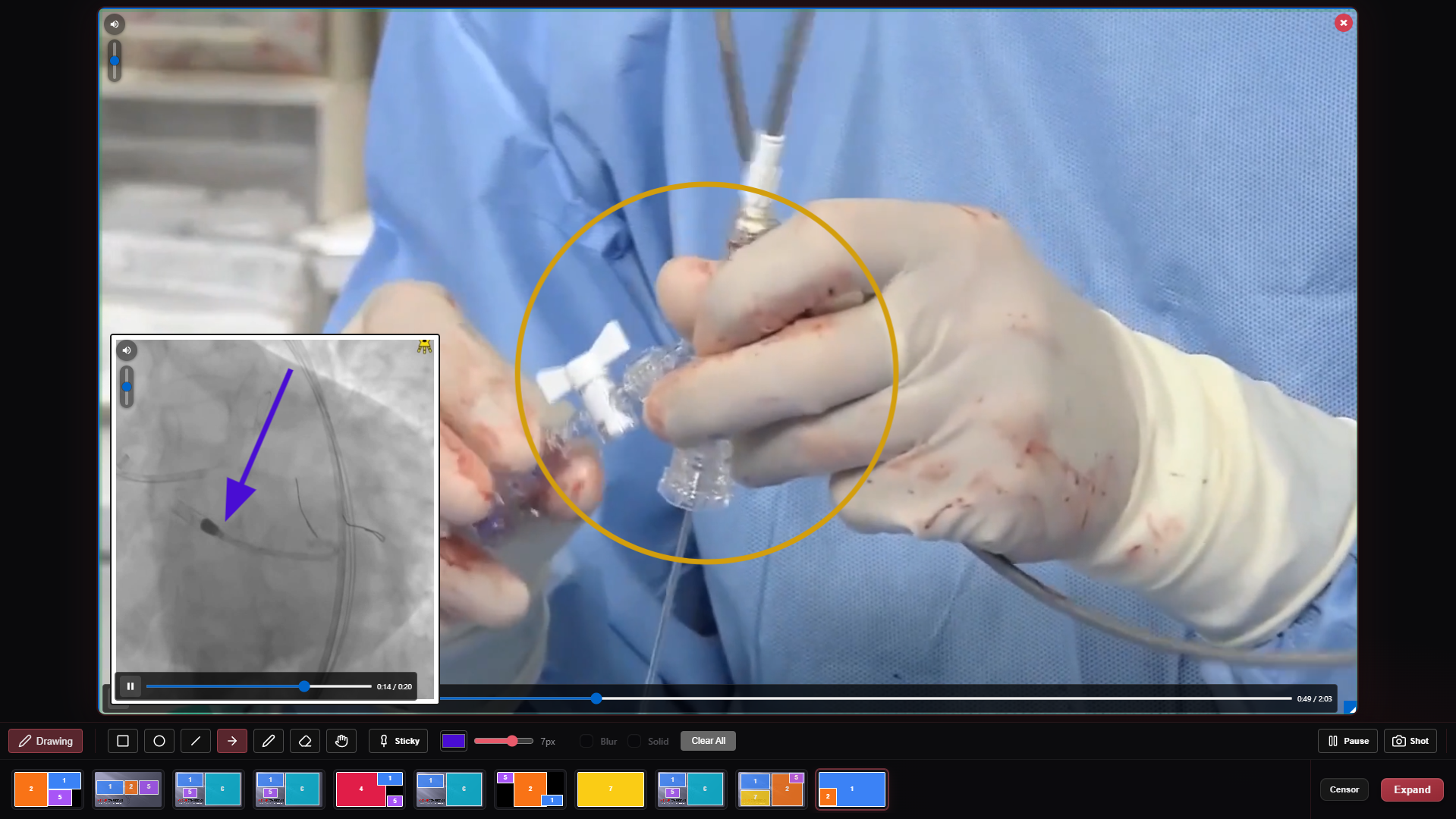
MediUp annotation toolbar with arrow, shapes, sticky notes and live canvas markup

Annotation

Annotate the whole canvas with circle, square, line and arrow. Place a sticky that follows an area so the note stays with the anatomy as the view moves.

Presentation slides used as the MediUp canvas background with live sources over teaching content

Background canvas slides

Use slides as the canvas background to create full class presentations, with live sources composed over the teaching material.

GDPR

Patient consent protection

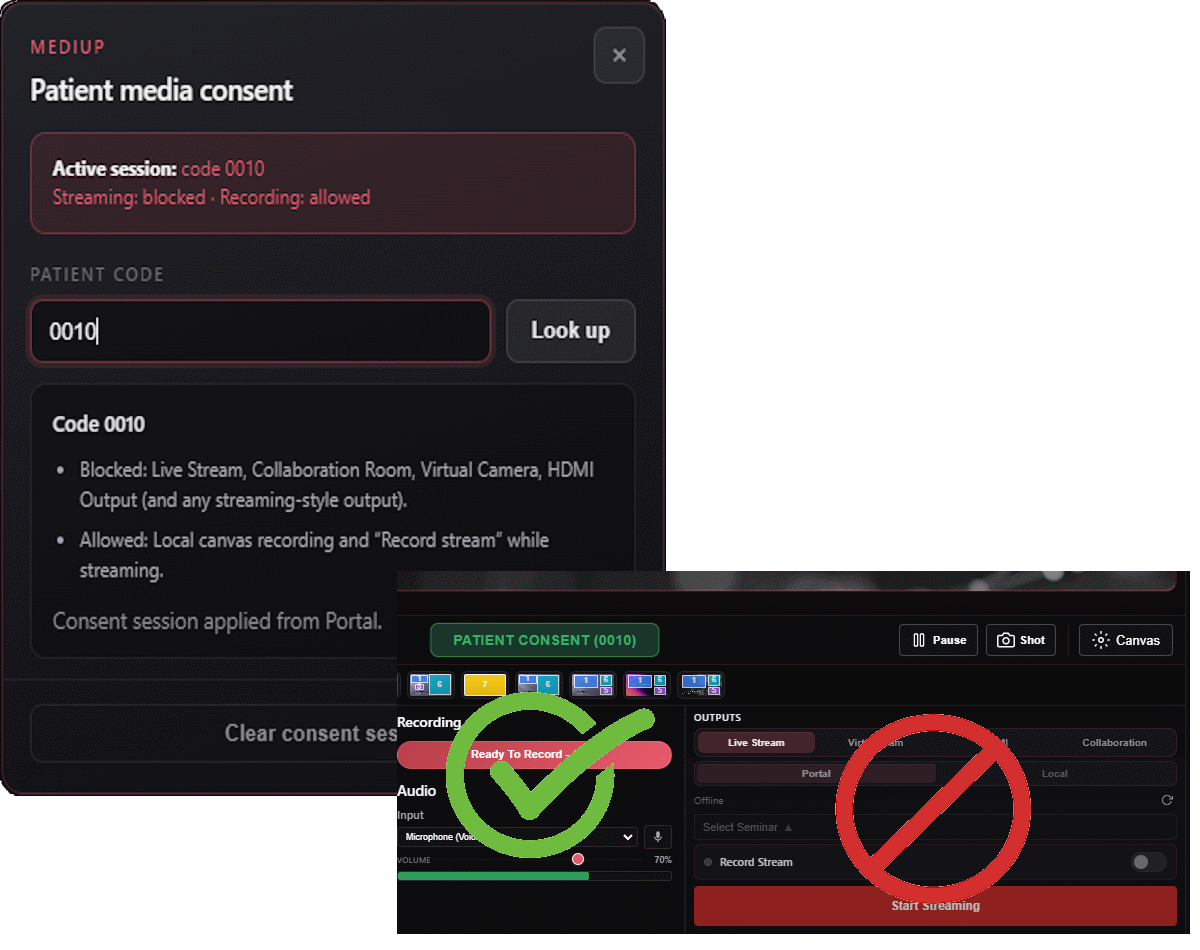
You cannot record or stream without patient consent. Consent is the gate on live capture, so teaching never starts until protection is in place.

Patient media consent in MediUp, gating recording and streaming until consent is applied

Communication

Share the canvas live, or send it into the tools you already use.

MediUp recording a live canvas session ready for cloud upload

Recording and cloud upload

Capture sessions and upload to the cloud for education, compliance, review and legal record.

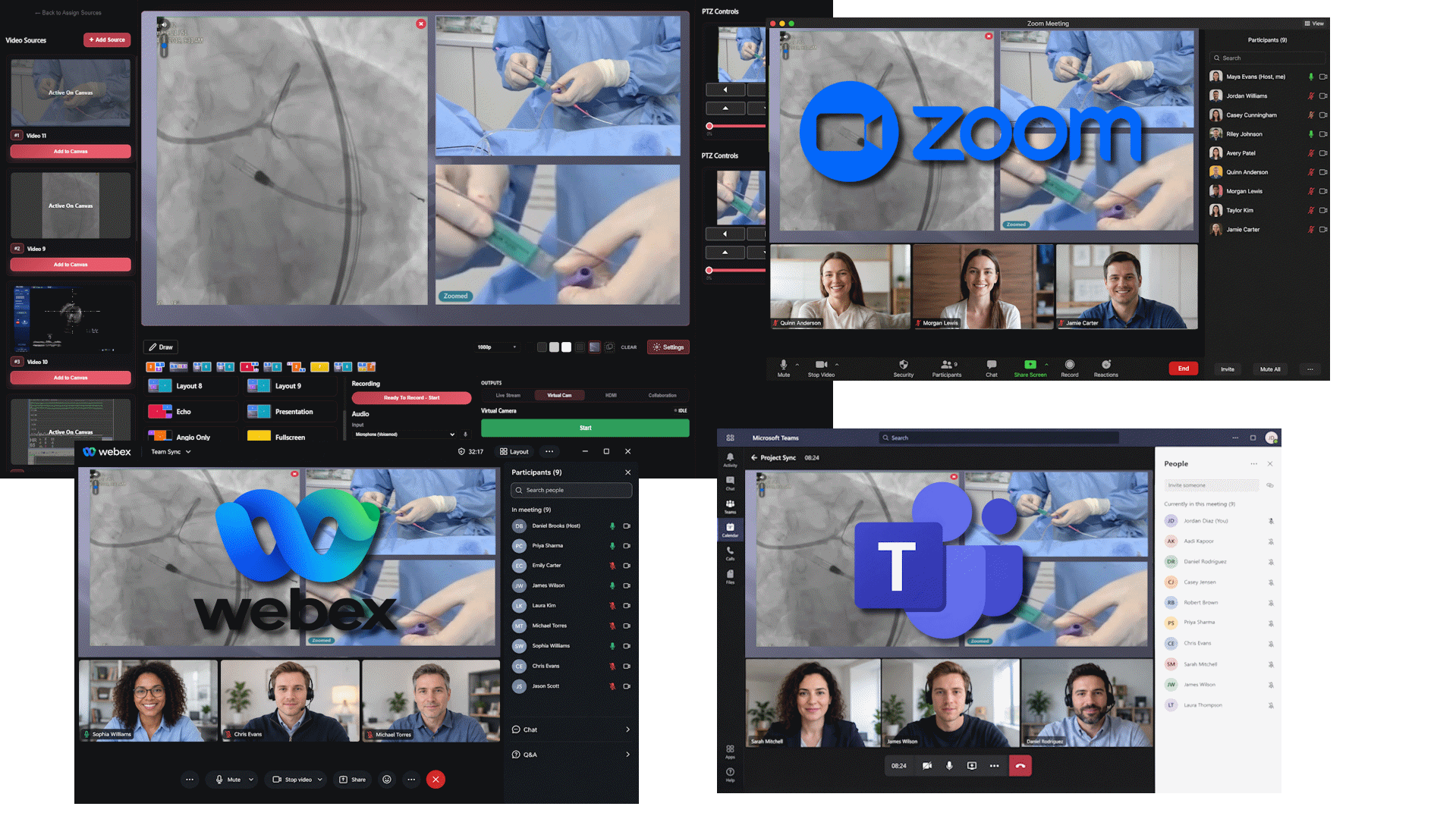
Virtual camera output from the MediUp canvas for Teams, Zoom and WebEx

Virtual camera

Select the canvas as a virtual camera in cloud applications running on your system, including Teams, Zoom and WebEx.

Collaborative canvas with remote participants, annotation and call contacts

Collaboration

Instantly call in remote participants to view, discuss and annotate live canvas sessions, recorded content, or full presentations.

MediUp collaboration room with Call Contacts so colleagues can join a live canvas session

Colleagues

Instant call communication

Call a colleague immediately for case review, to schedule a session, or for general knowledge sharing — without leaving the MediUp environment.

Library and editor

Save, edit and prepare recordings for review.

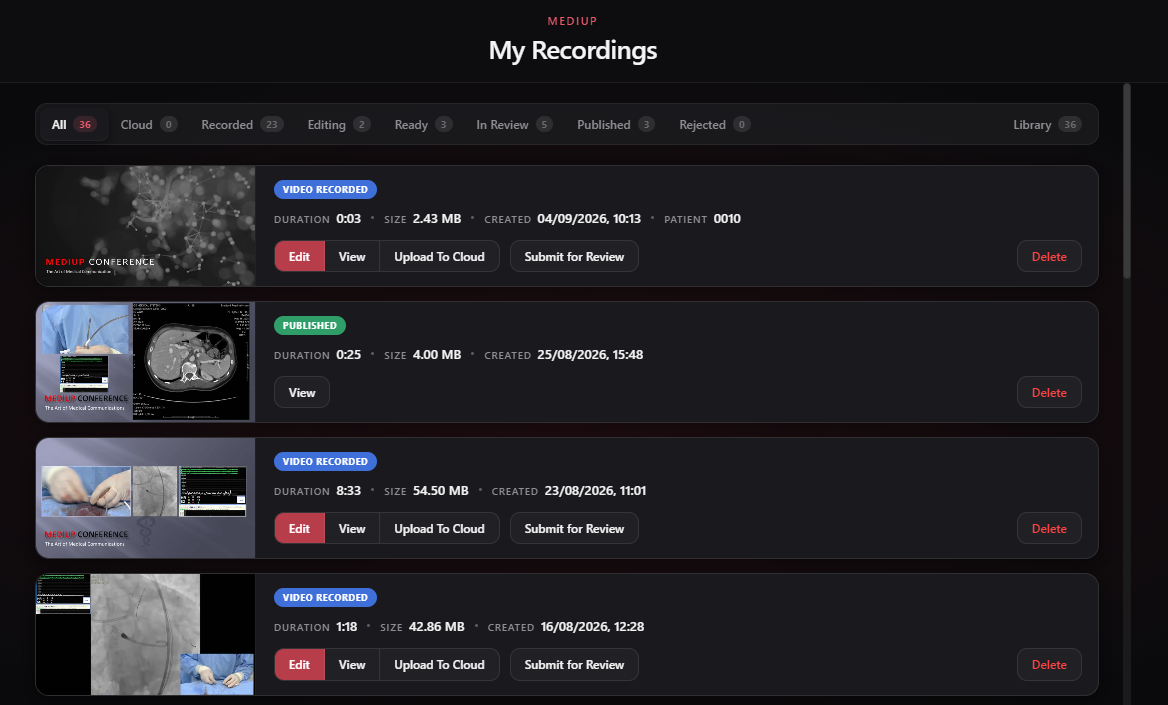
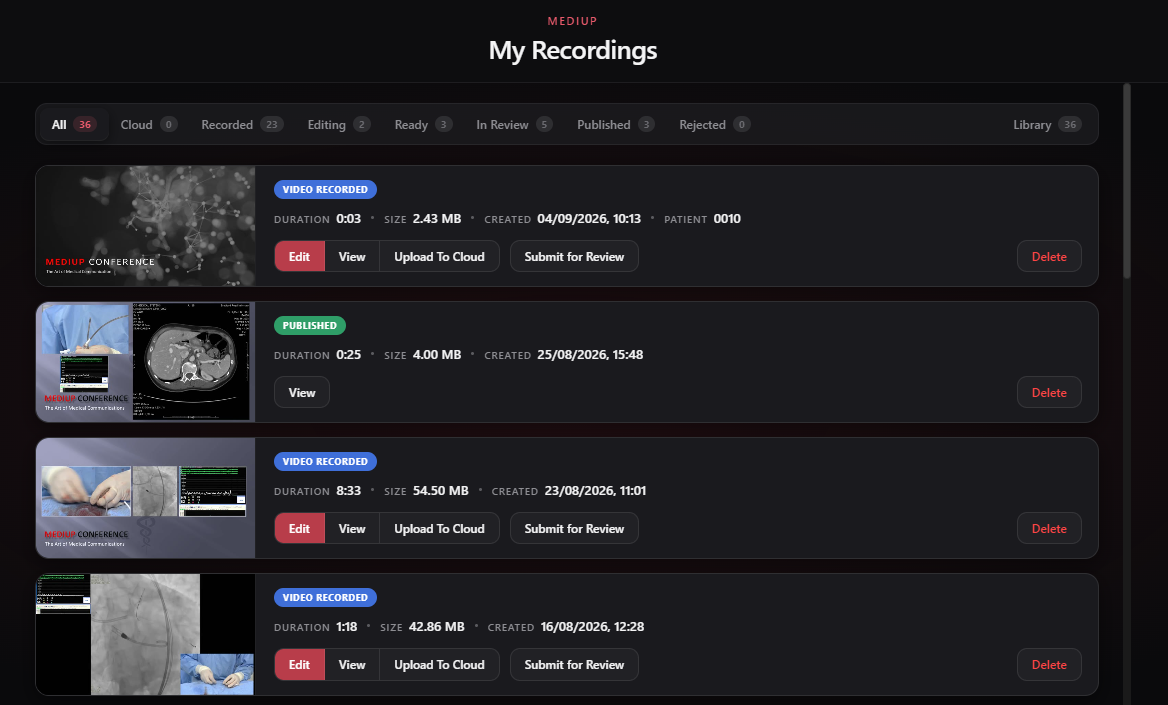
Recording library with saved sessions ready for local or cloud editing

Full recording library

Save recordings ready for editing locally, or upload to the cloud to edit later, submit for review and publish.

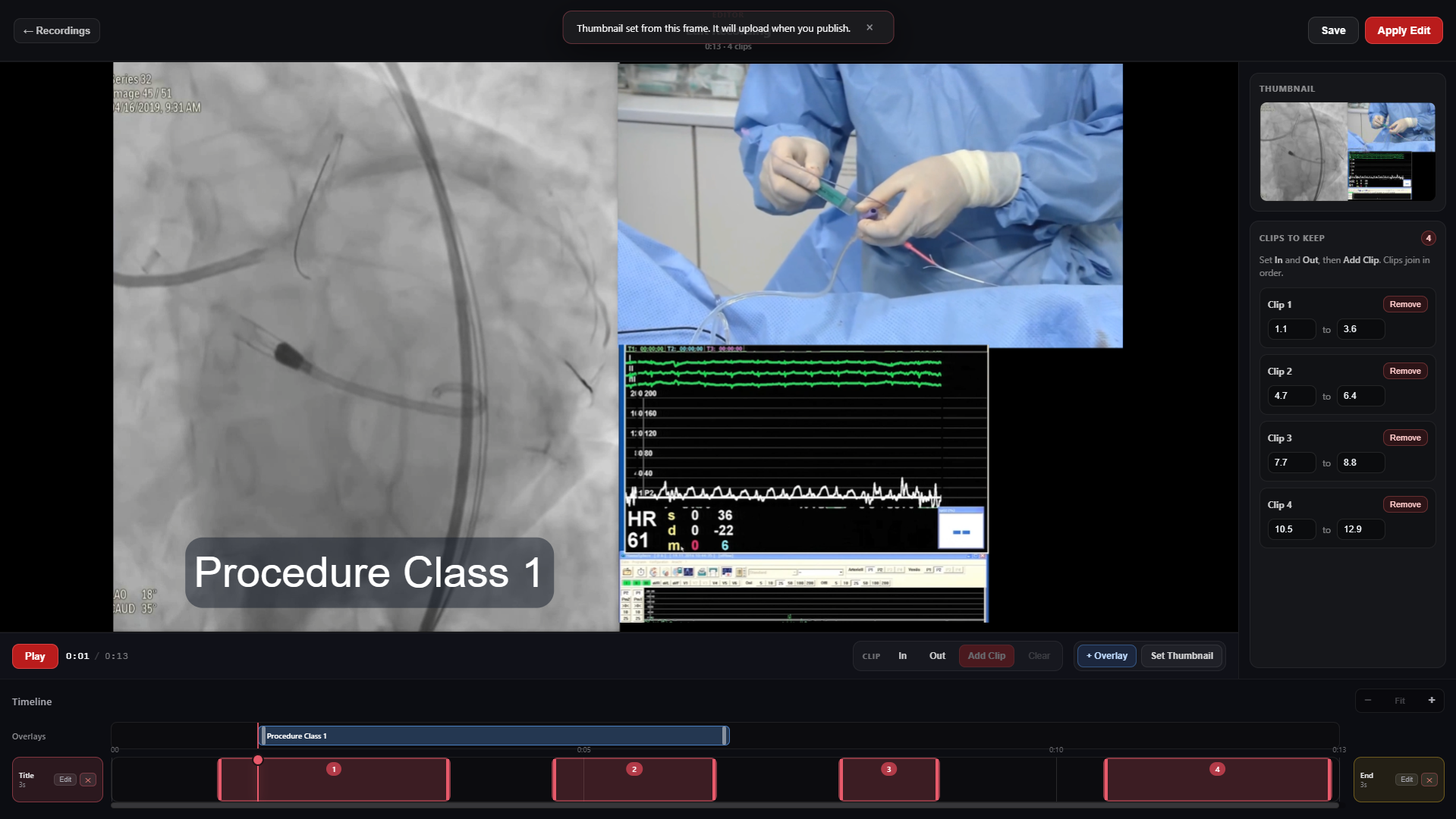
Timeline editor with title, end title, captions, overlays and thumbnail selection

Timeline editor

A full-function timeline with title and end title options, caption overlays, and video icon thumbnail selection.

Content management

Review, accept, then release to the teaching library.

Submitted video is reviewed, then passed to media control for wider educational publication.

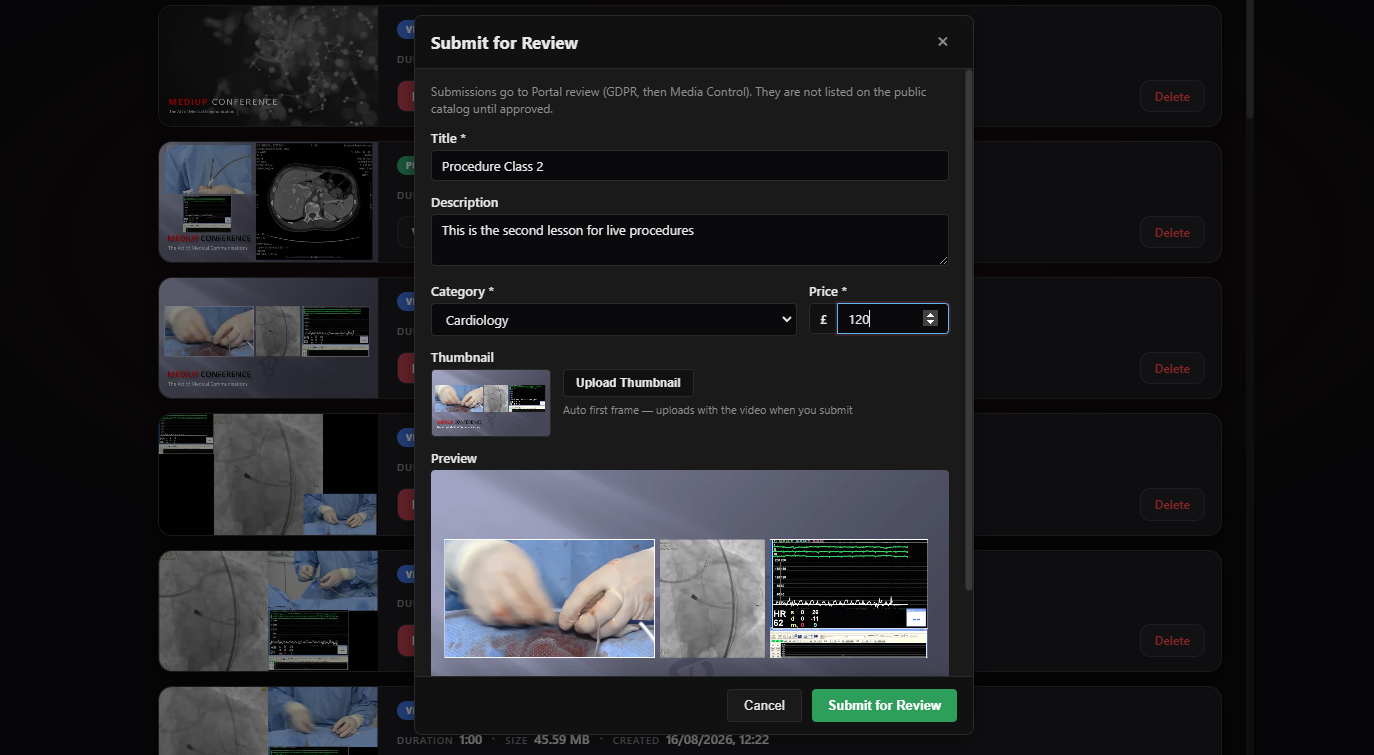
Submit a completed recording into the GDPR and media control review queue
01

Submit for review

Completed recordings are submitted into the review queue.

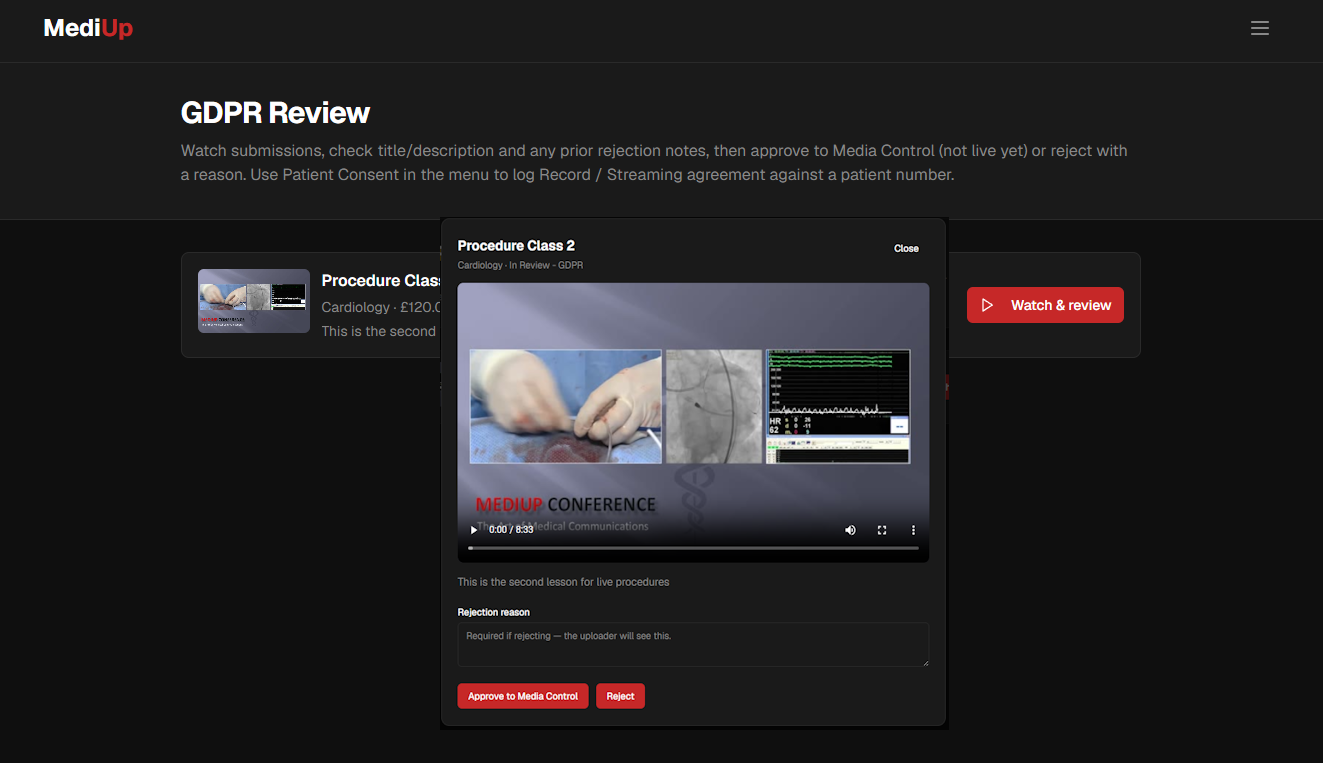
GDPR review of a submitted recording before it is passed to media control
02

GDPR review

Reviewers accept or reject. Accepted video is passed to media control.

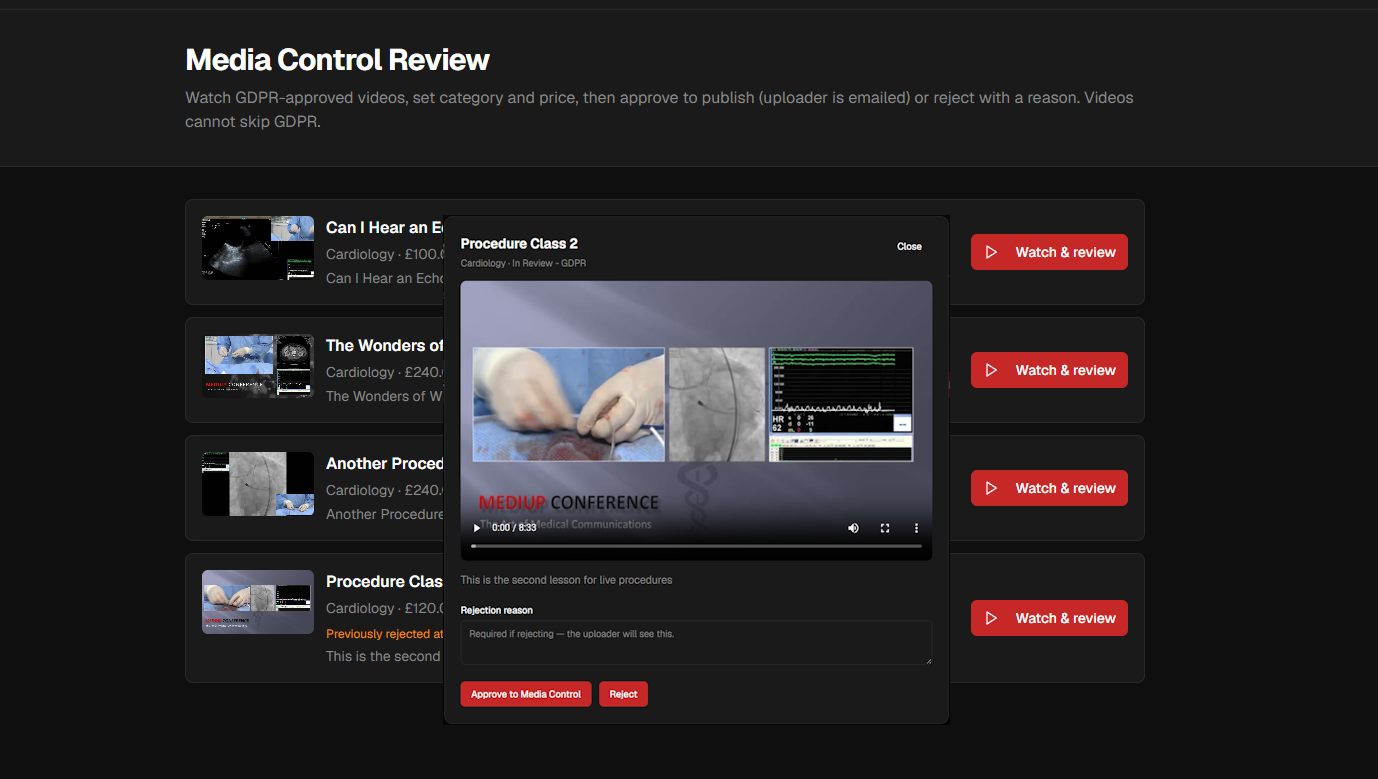
Media control review of GDPR-approved video before publication
03

Media control

Media control reviews accepted video and chooses what to publish.

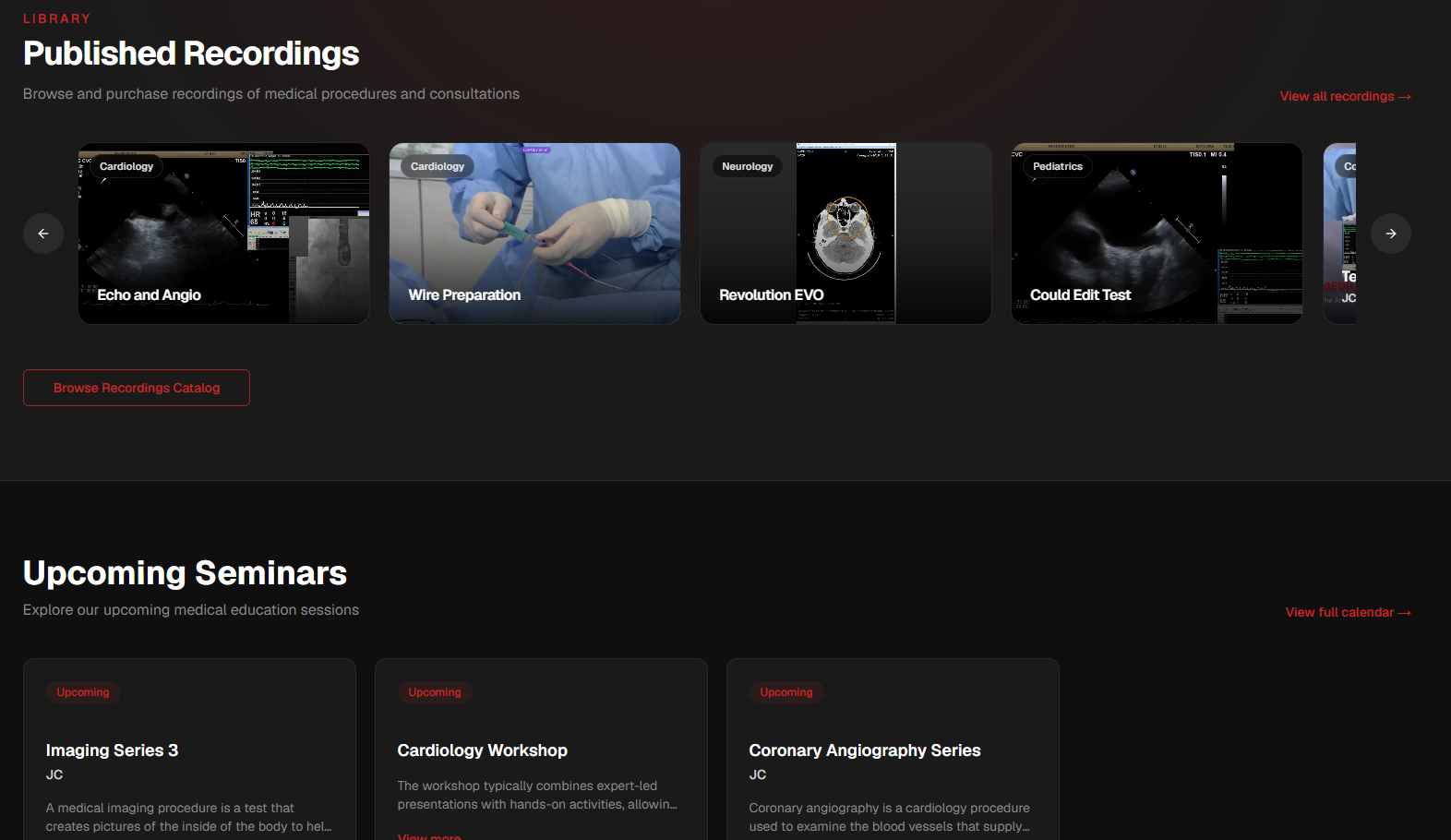
Published recordings catalog on the MediUp content website
04

Content website

Approved material is uploaded for wider educational review.

Product demo

Schedule a MediUp demo

Tell us who you are and what you’d like to see. We’ll arrange a time and email you a one-time viewer link — no login on this site. Please join from a quiet space with a working camera and microphone so we can guide you through the session clearly.